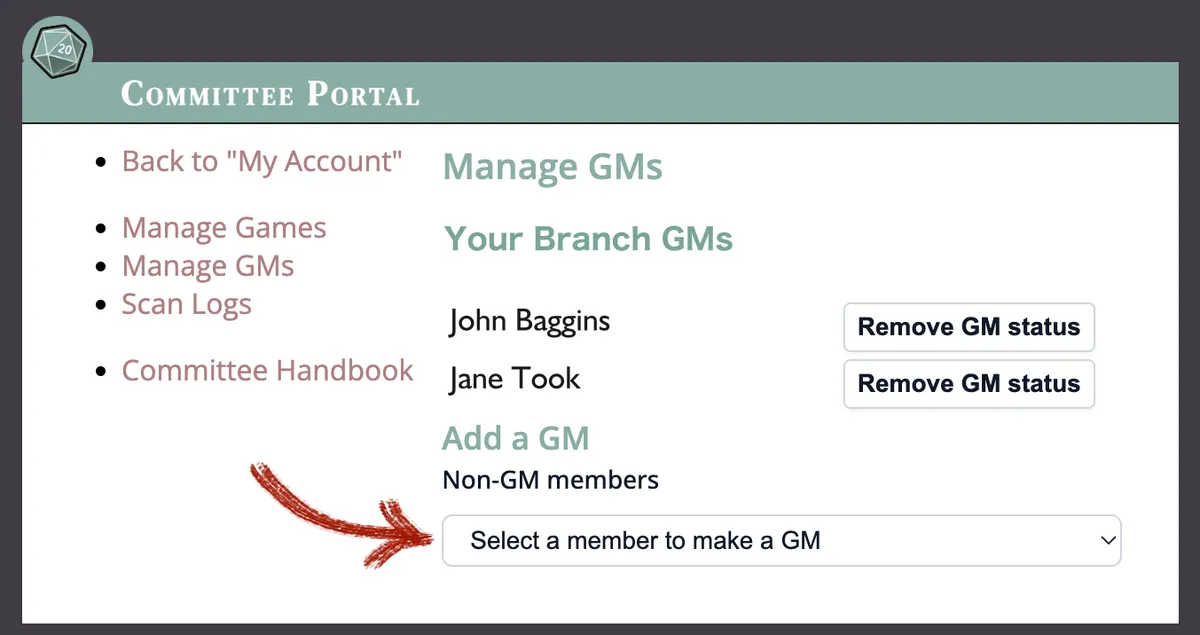



Make a new GM
Give someone GM status
If you are a Branch Manager or Games Coordinator it’s easy to give one of your members GM status. It will enable them to create a game and submit it for your branch, so you can check it over and approve it.
You just need to log in to your “My Account”
Go to the “Committee Portal” on your account “Dashboard”.
Once you are there, you can “Manage GMs”.
You'll see a list of all your branch's existing GMs and you can select a name from the dropdown list to give GM status to someone else.